
Roku streaming devices remain exceptionally popular even following a recent price adjustment, though selecting the most suitable model and understanding their distinctions can prove challenging. Distinguishing between the available options largely comes down to picture quality, which simplifies the decision-making process significantly.
Understanding Roku’s 4K Capabilities
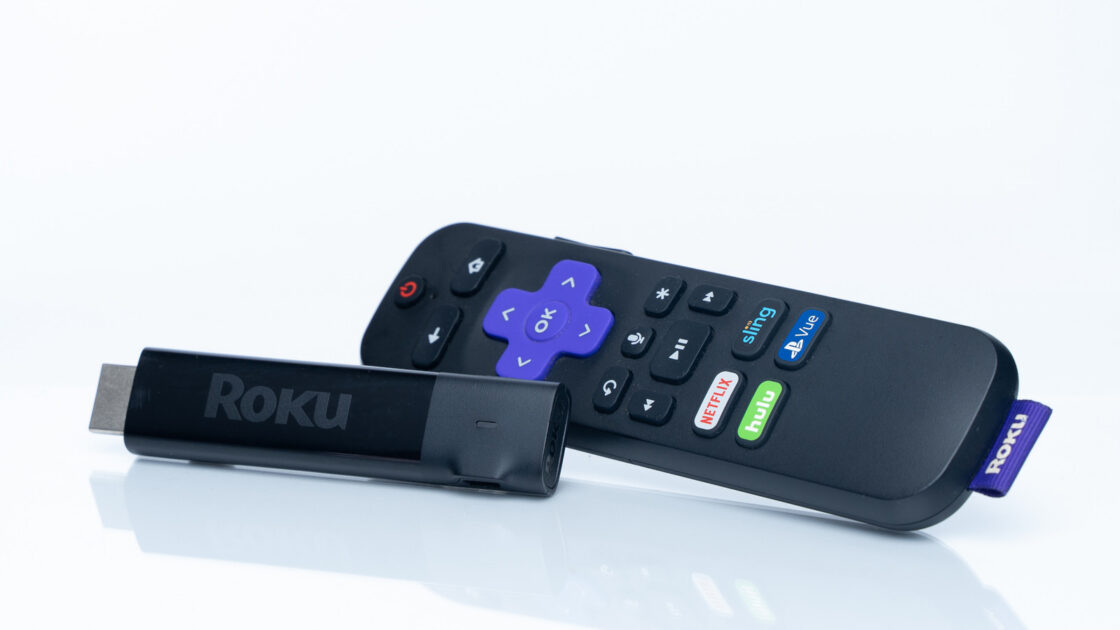
Roku currently provides five distinct streaming devices, with the primary picture quality factor centering on 4K streaming support. Buyers seeking 4K resolution will find that every single Roku product delivers this capability, with the sole exception of the entry-level streaming stick priced at $40. While the nomenclature might suggest that users must purchase the $80 Streaming Stick 4K for higher resolution, the Streaming Stick Plus provides 4K output at a $20 lower price point.
Advanced Features on Higher-End Models
Additional factors may influence purchase decisions in specific scenarios. Upgrading from the Streaming Stick Plus to the Streaming Stick 4K introduces Dolby Vision support alongside extended Wi-Fi range. Dolby Vision represents an advanced high-dynamic range format intended to surpass standard HDR, though consumer opinions on its noticeable impact remain divided, making the upgrade potentially unnecessary for typical users. Meanwhile, the extended Wi-Fi range proves beneficial when connecting the streaming stick to a television positioned far from the home router.
Regarding Roku’s two $150 options, namely the Roku Ultra and the Streambar SE, Dolby Vision is exclusive to the Ultra. However, these two devices exhibit more substantial differences from the rest of the product lineup. The Roku Ultra functions as a compact set-top box, whereas the Streambar SE combines a soundbar with an integrated streaming device.
The Roku Ultra suits individuals prioritizing maximum internet stability, as it features both Wi-Fi 6 compatibility and a dedicated Ethernet port. Homes equipped with a Wi-Fi 6 network or struggling with poor wireless signals can benefit from the Ultra’s stable connection, which supports superior picture quality.
Conversely, the Streambar focuses heavily on audio performance, serving as the sole Roku offering equipped with internal speakers, though it omits the Dolby Atmos surround sound capability included with the Ultra. This makes the Streambar an appealing option for users seeking a combined soundbar and streaming device, though it offers no other advantages over the Ultra. Utilizing the Dolby Atmos functionality on the Roku Ultra additionally requires a compatible external audio system.