Table of Contents
A weak internet connection is frequently caused by poor router placement rather than hardware failure or internet service provider issues. Because routers broadcast signals in all directions that weaken over distance, stuffing a device into a corner or a cabinet can waste coverage and degrade performance.
Finding the Ideal Spot
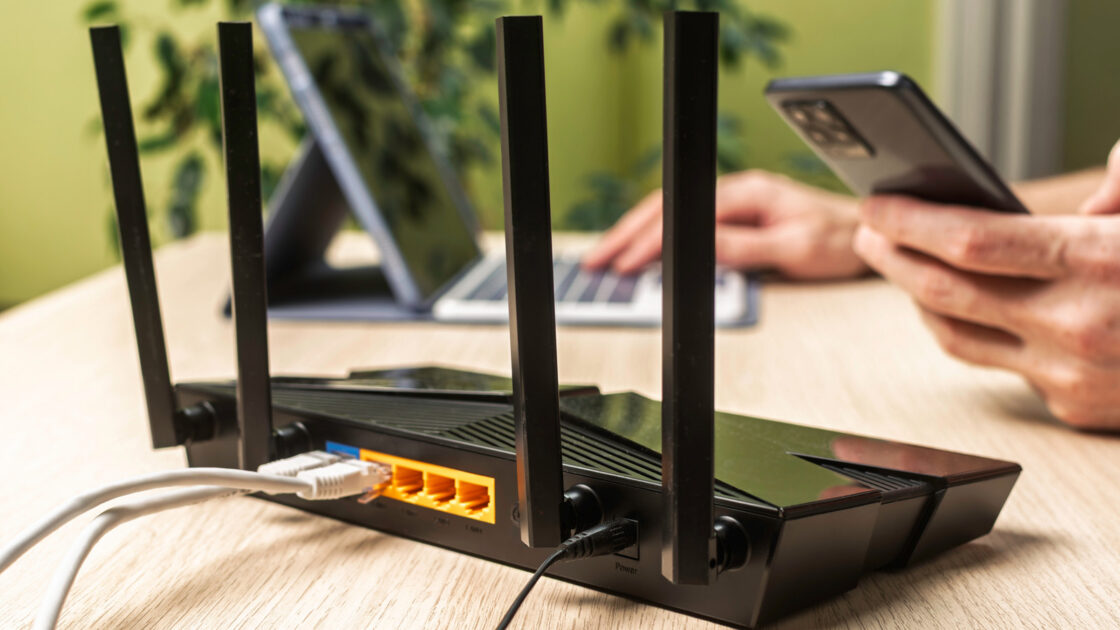
The optimal location for a Wi-Fi router depends on the layout of your building and coverage needs. For apartments, a central location away from signal-weakening electronics works best. Homeowners should look for a central and elevated spot, such as a desk, side table, or the top of a cabinet, to help the router distribute the signal evenly. Keeping the device out in the open prevents signals from broadcasting outside or getting blocked.
Multi-story homes require specific positioning adjustments. Ground-floor routers should be placed closer to the ceiling, while second-level routers need to be positioned closer to the floor. Antenna positioning also plays a role in signal strength. Vertical antenna placement suits single floors or apartments, whereas buildings with multiple floors require at least one antenna angled at approximately 30 degrees while the others remain vertical.
Testing and Minimizing Interference
Users should conduct speed tests before and during the adjustment process to measure how different positions affect performance. Minimizing interference is equally important for maximizing router capabilities. Devices should be kept away from metal objects, thick concrete or metal walls, Bluetooth gadgets, and microwaves, which disrupt the 2.4GHz frequency band.
Understanding frequency bands helps optimize device connections. The 2.4GHz band offers a longer range with slower speeds, while the 5GHz band provides a shorter range with faster speeds. High-bandwidth devices like desktop computers and gaming consoles perform best on the 5GHz band, whereas distant or mobile devices function well on the 2.4GHz band.
Using Boosters and Mesh Systems
Large buildings or homes with three or more floors may still experience dead zones despite optimal router placement. In such cases, users can install a Wi-Fi booster or a mesh network. Wi-Fi extenders capture and repeat the router’s signal to nearby areas, offering an affordable and simple setup, though they typically halve bandwidth.
Mesh systems provide superior performance at a higher cost. Unlike simple extenders, mesh systems utilize nodes placed in dead zones to extend coverage while maintaining a single network, with tri-band options avoiding the bandwidth-halving drawback. Mesh networks serve as a suitable choice for larger buildings, multi-story homes, and spaces with numerous dead zones.