

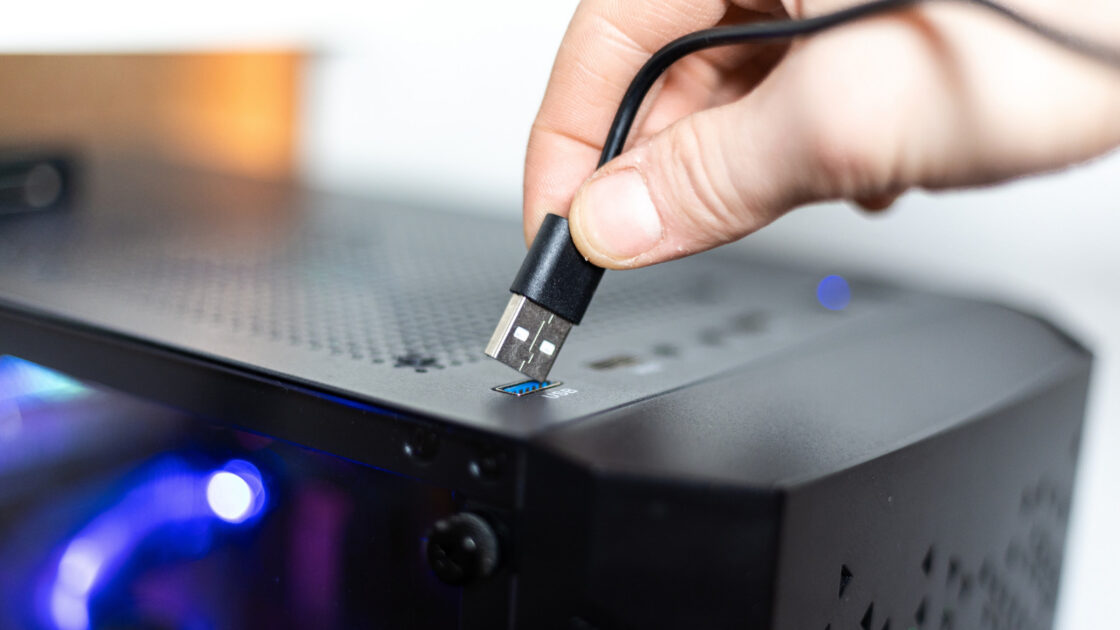
Having USB ports on the front of a desktop computer provides everyday convenience, but this placement can reduce power delivery and data transfer speeds for connected devices.
The engineering behind front USB speed limits
Rear USB ports are typically soldered directly to the motherboard, which allows power and data to travel a much shorter path. Front ports rely on extension cables to reach input and output controllers, and each additional connection layer causes a minimal amount of signal loss.
Many motherboards feature a limited number of headers for front-panel ports, requiring multiple ports to share a single connector. Consequently, speed and power are divided among all active ports on the front of the computer case. Manufacturers also frequently select slower USB standards for front-facing ports.
The ASUS ROG Maximus Z790 Hero motherboard illustrates this difference. Its rear panel includes two 40 Gbps Thunderbolt 4 ports, six 10 Gbps USB 3.2 Gen 2 ports, and four 5 Gbps USB 3.2 Gen 1 ports. By contrast, the front panel features one USB 3.2 Gen 2×2 port and four USB 3.2 Gen 1 ports operated by two headers, meaning connected devices share the available bandwidth.
Apple computers share similar constraints. The baseline Mac mini with the M6 chip and the base model Mac Studio both offer two 10 Gbps USB-C ports on the front, while their much faster 40 Gbps Thunderbolt ports are located exclusively on the rear panels.
Choosing where to plug in your peripherals
Low-bandwidth accessories like keyboards, mice, and headphones operate effectively when plugged into front USB ports because they demand minimal power and speed. Standard USB flash drives also function adequately on the front panel for casual file transfers.
Rear ports are best suited for bandwidth-intensive or latency-sensitive hardware, including external solid-state drives, virtual reality headsets, and video capture cards. Reviewing computer or motherboard specifications helps identify the exact speeds of individual ports to ensure optimal accessory performance.