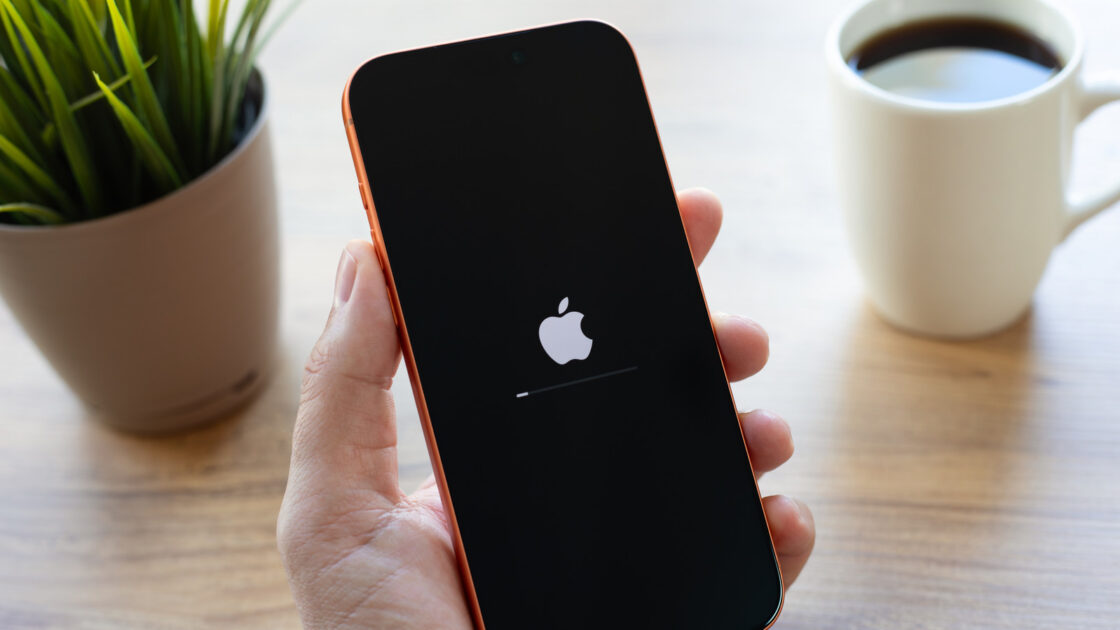
Unexpectedly having your iPhone turn off can be extremely frustrating, especially given how much users rely on their devices daily. While Apple maintains tight control over both hardware and software, sudden shutdowns can still happen due to various system glitches and hardware problems.
Common Causes for Random iPhone Shutdowns
When a software problem forces a reboot, it usually means an error is preventing iOS from operating properly, requiring the system to restart from scratch. Technical causes often include memory access errors stemming from coding mistakes, or occasionally malware exploiting vulnerabilities. Another surprisingly common culprit is extreme temperature. If an iPhone reaches a high internal heat level, it will automatically shut off to prevent permanent component damage, typically after first throttling performance or displaying a warning message. Similar shutdowns can also occur in extreme cold conditions.
The situation becomes more serious when battery health declines. When a battery struggles to hold capacity, it may fail to supply sufficient power during high-demand tasks, causing the device to shut down in a phenomenon known as battery sag or voltage sag. Less frequently, other hardware failures can trigger reboots. iPhones run regular sensor checks every 180 seconds, and if one of these checks fails, the device will reboot as a defensive measure.
How to Prevent and Fix Shutdowns
To avoid software-based reboots, users should keep both iOS and all applications fully updated to minimize glitches. Software updates can be checked in the settings menu under General and Software Update, while app updates are available through the App Store profile section. To manage temperature issues, users should avoid leaving their iPhones in prolonged direct sunlight, such as mounted on a car window during summer road trips, and limit hours-long high-demand activities like 4K video recording or heavy gaming.
Battery health can be checked by navigating to Settings, Battery, and Battery Health. A capacity of 80 percent or higher is generally acceptable, but falling well below that threshold increases the likelihood of problems. Users whose iPhones refuse to power back on without being plugged in first should schedule a battery replacement or purchase a new device. Additionally, running out of storage space can trigger performance issues, so users should maintain a few gigabytes of free space by checking iPhone Storage in the general settings.
Users who have ruled out software updates, temperature, battery degradation, and storage limits should consider physical damage as a potential cause. If none of these troubleshooting steps resolve the random shutdowns, the best course of action is to book an appointment at an Apple Store or an authorized service center for professional diagnosis and repair.