

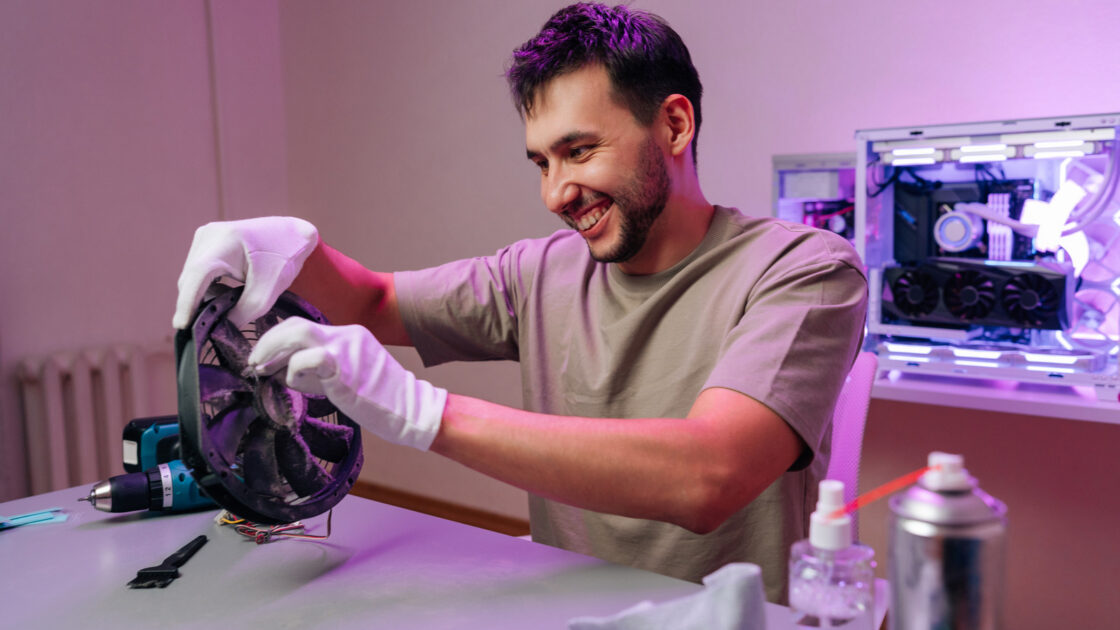
Dust is a constant enemy inside a computer case, clogging vents and heatsink fins to make cooling harder. While using a household vacuum might seem like an easy fix, Engadget reports that bringing one inside a PC can cause serious physical and static damage to expensive internal components.
Static electricity and physical risks
Walking across a carpet and touching metal creates an electrostatic discharge, and a similar risk exists inside a PC. Household vacuums build up static electricity as dust and particles travel through plastic hoses and parts, which can then transfer into sensitive components. While some users might get lucky, electrostatic damage can cause immediate failure or hidden long-term problems. The only exception is a specialized, anti-static vacuum designed with materials that safely dissipate electrical charges.
Beyond static, vacuum cleaners are clumsy tools for cramped PC cases. The nozzle or attachments can easily knock off connectors, strike circuit boards, bend heatsink fins, or suck up loose screws. Furthermore, the suction can force fan blades to spin rapidly, putting unnecessary stress on bearings and risking physical damage. Laptops present similar dangers because users cannot see inside or hold the fans still to prevent rapid spinning.
Safer alternatives for PC cleaning
Instead of a household vacuum, a can of compressed air or an electronic air duster provides a static-free way to blow dust out safely. Users should begin by shutting down the computer, unplugging all external power cables, and moving the machine to a well-ventilated area.
Compressed air works best in short, controlled bursts to clear out stubborn dust clumps without pushing debris deeper into the system. It is also important to hold fan blades still during cleaning and avoid opening the power supply, as internal parts can retain dangerous electrical charges.
Removable dust filters can be taken out and wiped down with a damp cloth, provided they are completely dry before reinstallation, while a dry microfiber cloth works well for the exterior. Finally, keeping the PC off the floor and performing occasional maintenance checks will help minimize future dust buildup.