

Table of Contents
Running a local AI chatbot using tools like Ollama or LM Studio offers subscription-free, offline processing while keeping data completely private. However, the performance and capability of these local models depend heavily on the processing power and memory of the host computer.
Memory Limits and Model Sizes
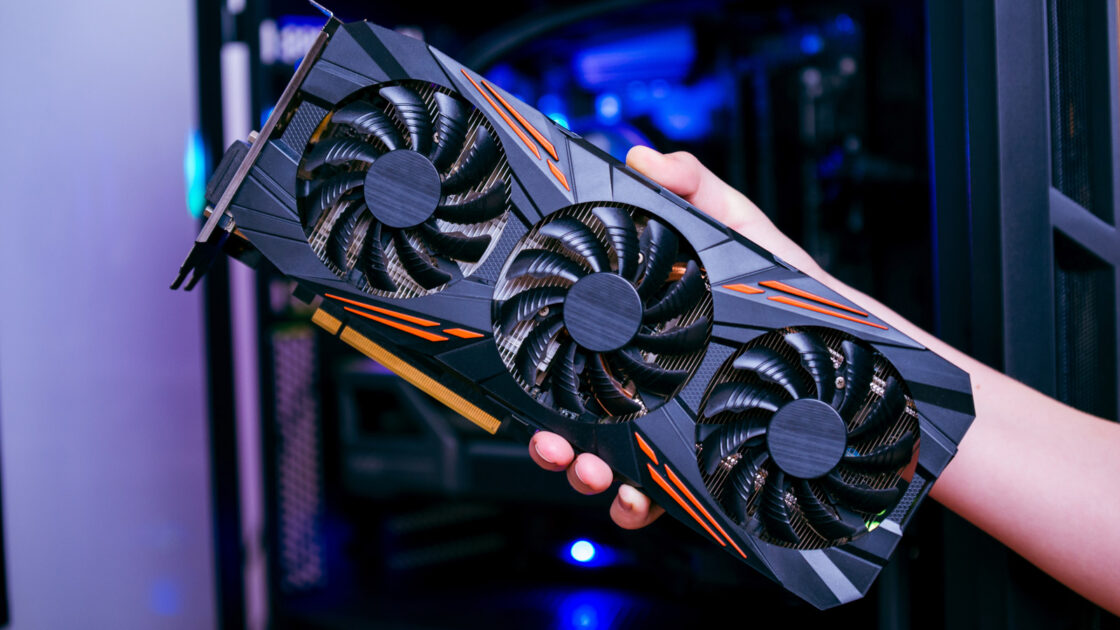
A standard 16GB RAM PC can handle smaller models featuring seven to eight billion parameters, such as Meta’s Llama 3.1 8B or Alibaba’s Qwen3 8B, especially when paired with a graphics card having 8GB of VRAM. For more advanced capabilities, users need at least 32GB of memory and a graphics card with 16GB or more of VRAM.
Model memory requirements scale linearly with parameter size, though most users run compressed or quantized versions that store parameters in about four bits. Ollama library sizes include 4.9GB for Llama 3.1 8B, 9.1GB for Microsoft’s Phi-4, 17GB for Google’s Gemma 3 27B, and 43GB for Meta’s Llama 3.3 70B. General guidelines suggest needing 8GB of RAM for a 7B model, 16GB for a 13B model, and 32GB for a 33B model.
OpenAI’s gpt-oss-20b features 21 billion parameters but utilizes a mixture-of-experts design that engages only 3.6 billion parameters per token. While OpenAI states it runs on 16GB of memory, its 14GB footprint in Ollama consumes nearly all available capacity on a 16GB machine.
Bandwidth and Processing Speed
Generation speed relies heavily on memory bandwidth rather than raw processing power because the model must read all parameters for every generated token. Graphics card VRAM operates significantly faster than standard system RAM, allowing models running directly on a GPU to execute much faster than those spilling over into system memory.
Reading speeds generally range from five to 10 tokens per second. In LMSYS testing, an Nvidia RTX 5090 generated text from gpt-oss-20b at 205 tokens per second. Meanwhile, benchmark tests from llama.cpp recorded Apple’s base M4 chip at 24 tokens per second on a 7B model, and Ollama measured the Nvidia DGX Spark developer PC at 38 tokens per second on Llama 3.1 8B, dropping to 4.42 tokens per second for the 70B version.
Running Mistral 7B on a 2024 Asus Zenbook Duo with 32GB of RAM and an Intel AI Boost NPU via Ollama pushed CPU usage to 52 percent and memory to about 17GB. Utilizing Intel’s OpenVINO toolkit instead kept the NPU at 98 percent while limiting the CPU to three percent, leaving the laptop fully responsive during text generation.
Local Models Versus Cloud Systems
According to April 2026 rankings by Artificial Analysis, Alibaba’s Qwen3.5 27B scored 42 on its intelligence index, matching OpenAI’s GPT-5 on its medium setting, while Google’s Gemma 4 31B scored 39. Leading frontier cloud models reached 57, though Qwen3.5 27B requires 17GB to 20GB of memory, exceeding standard 16GB PC limitations.
Massive frontier models remain far beyond consumer hardware capabilities. Moonshot’s Kimi K2.6, a 1-trillion-parameter model launched in April 2026, required about 600GB of combined RAM and VRAM at 4-bit compression, according to Unsloth. Its successor, Kimi K3, achieved a score of 57 in July 2026 with 2.8 trillion parameters, requiring approximately 1.4TB of weight space that TECHi estimates would fit only on an eight-GPU data center server.
For basic private summaries or offline coding assistance, a 16GB PC remains adequate, whereas rivaling cloud chatbots requires 32GB of RAM or a 16GB graphics card. Tom’s Hardware RAM price index shows a 32GB kit of DDR5 costs $434, equating to nearly two years of a $20-a-month ChatGPT Plus or Claude Pro subscription, while frontier-level performance strictly requires data center infrastructure.