
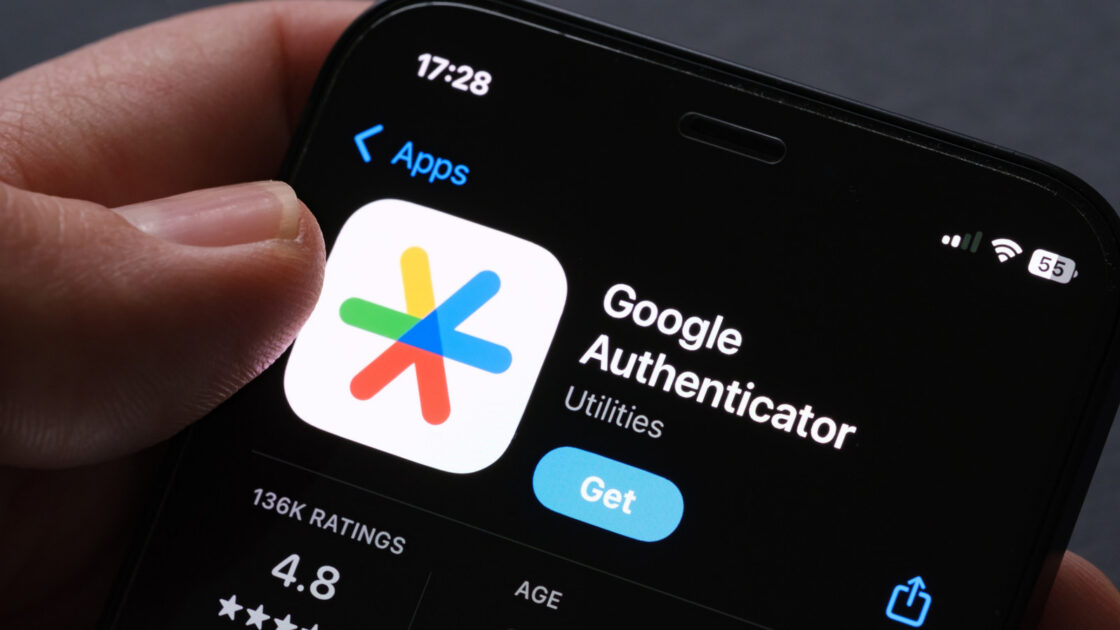
Setting up a two-factor authentication app like Google Authenticator is a vital step for online security, but changing devices can sometimes be stressful if an app remains trapped on a broken or missing phone. Fortunately, transitioning to a new smartphone can be a smooth process with the right preparation.
Cloud Syncing and Manual Transfers
Google Authenticator generates one-time codes required to access linked accounts. While these codes were once restricted to a single device, the app has synced codes in the cloud since 2023 for users running version 6.0 or higher on Android and version 4.0 or higher on iOS. Users can verify if their codes are saved to the cloud by tapping the cloud icon next to their account icon in the app. Signing into the same Google account on a new phone automatically moves the codes over.
For users who prefer not to use a Google account, a manual transfer requires the old device to be nearby. By navigating to the app menu and selecting Transfer Accounts followed by Export Accounts, users can choose which codes to transfer. The old phone then generates a QR code, which can be scanned on the new device by going to Transfer Accounts and choosing Import Accounts.
Recovering Accounts Without the Old Phone
Recovery becomes more difficult without the original device, especially since cloud backups and manual Android transfers were only introduced in recent years. In these scenarios, users typically need to rely on alternative methods for each locked account.
Checking for active logins on other devices can allow users to temporarily disable two-step verification and regain access elsewhere. Accounts linked to an email address and phone number can usually be recovered eventually, though this may require contacting individual account providers for assistance.
Preparation remains the best defense against device migration issues. Users can avoid complications by verifying that their cloud saves are active or by generating backup codes through their Google account security settings.