

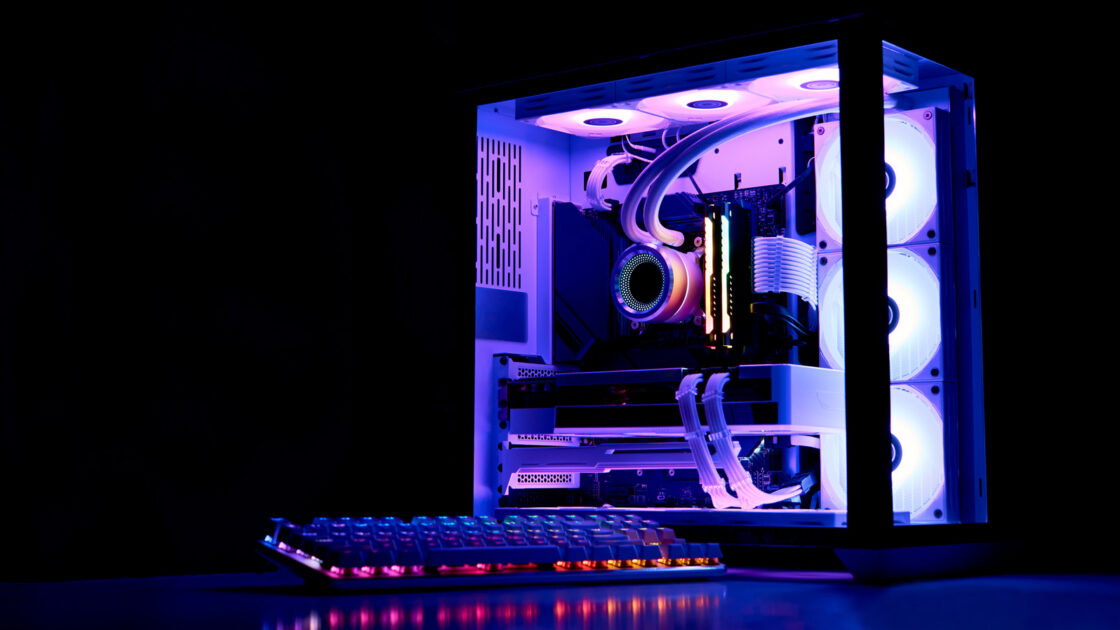
Liquid cooling is a popular method for managing heat in modern computers, but the water in these systems cannot remain inside indefinitely. Running a liquid-cooled setup requires regular maintenance, which includes changing out the coolant supply on a periodic basis.
Why and How PC Coolant Expires
Evaporation is not the primary concern for aging coolant, though heavy use can cause a small amount of water loss when using softer tubing. The main issue is the gradual deterioration of the liquid while it operates under continuous strain. Specifically, the corrosion inhibitor compound inside the coolant wears away over time, allowing the liquid to begin corroding the mechanical components inside the machine once the compound is exhausted.
Additionally, coolant loses its lubricating properties through use, which diminishes the performance of the pump motor and other system parts. Over time, the liquid can also foster algae growth and other particulate buildup, particularly when the fluid contains color pigments or aesthetic additives. This buildup ultimately results in system clogs, performance slowdowns, and a compromised appearance for the rig.
When to Replace Your Coolant Supply
Routine replacements prevent biological growth from forming in the tubing. Experts generally recommend swapping out the coolant supply once a year, or up to twice a year. Users utilizing semi-transparent coolant should plan for a replacement every six months because the extra pigments cause the liquid to clog faster.
Owners using standard, unadorned coolant can safely aim for an annual replacement schedule. Even so, users must inspect the tubes, reservoir, and water block for warning signs of degradation such as a murky appearance, haze, grime, or algae. Checking the CPU temperature periodically is also advised, as a sharp and sustained increase in heat indicates that the coolant has worn out and requires a replacement.