
Table of Contents
Amazon has removed Alexa voice controls for the AUX input feature on several older Echo smart speakers. Users can no longer switch to a wired line-in audio source using verbal requests such as “Alexa, play from line in” or “Alexa, set AUX input,” though physical cable connections remain operational.
Affected Echo Models and Amazon’s Response
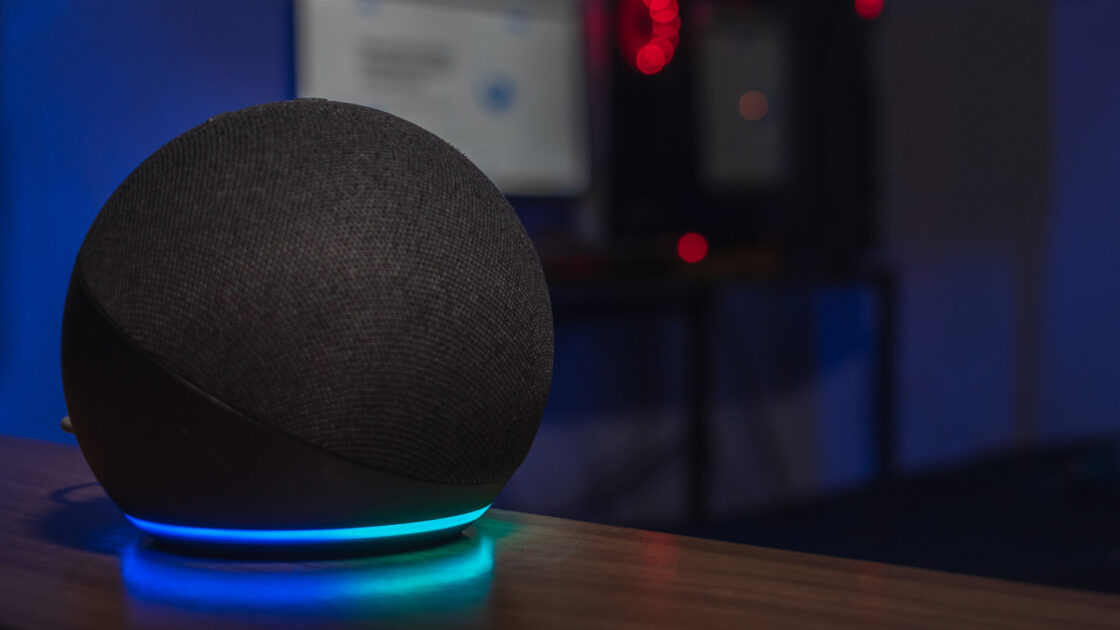
The change impacts four specific hardware models: the second-generation Echo Plus released in 2018, the third-generation Echo from 2019, the original 2019 Echo Studio, and the fourth-generation Echo released in 2020. Amazon confirmed the feature removal, with a spokesperson stating to The Verge that the company had notified “the very small number of customers” actively using voice commands for AUX playback. The tech giant did not disclose the reason behind the decision.
Notice of the update first surfaced through an Amazon customer email reported by Ars Technica. Despite the loss of hands-free switching, the physical 3.5mm hardware port continues to function on all affected devices, allowing wired audio playback to persist.
How AUX Functionality Works Across Echo Generations
The 3.5mm audio jack on compatible Echo devices serves different purposes based on the model. On supported units, it can function as an audio input to play sound from external devices like smartphones, computers, or vintage media players, or as an output to route Alexa’s audio to an external amplifier or secondary speaker system.
Dual input and output support is available on the third-generation Echo, fourth-generation Echo, and second-generation Echo Plus. The original Echo Studio supports input only, whereas older Echo Dot models from the third and fourth generations offer output functionality exclusively. Recent hardware revisions have phased out the connection entirely, as seen in the fifth-generation Echo Dot and the redesigned 2025 Echo Studio.
Managing AUX Audio Without Voice Commands
To listen to external audio devices without voice support, owners must adjust their settings manually using the Alexa mobile app. Users need to navigate to Devices, select the relevant speaker, locate the AUX Audio setting (or General settings depending on app version), and manually toggle the option to Line In. For models supporting both directions, Line Out routes the speaker’s audio output externally.
Once connected, track controls and volume management for external hardware must be operated directly from the source device, as Alexa’s past voice commands only controlled input selection rather than media playback on connected hardware. While owners do not need to replace working older speakers to retain wired audio playback, future hardware upgrades are increasingly likely to omit 3.5mm ports altogether.