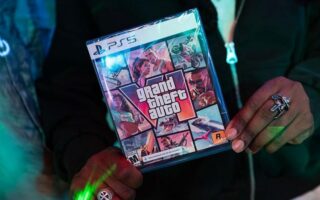
For players anticipating the release of Grand Theft Auto 6, experiencing visual discomfort or motion sickness can significantly detract from the experience. As reported by Engadget, motion blur is a common feature in modern high-budget games that can often be adjusted or disabled to suit individual player needs.
Adjusting Visual Settings
Players looking to modify the motion blur effect can do so directly through the game’s menu. By pausing the game and navigating to the Settings section at the bottom of the main menu, users can access the Display tab using the right shoulder button. Within the visual effects category, a slider labeled Motion Blur Strength allows for precise adjustments.
The default setting for the game is three out of 10. Players have the flexibility to increase this intensity, lower it, or set the slider to zero to deactivate the feature entirely. Engadget notes that providing a slider rather than a simple on-off toggle is a beneficial design choice, as it allows for a customized experience tailored to specific preferences.
Finding the Right Balance
While motion blur can cause dizziness for some, it serves a functional purpose in certain contexts. At lower frame rates, the effect can help smooth out camera movements that might otherwise appear jittery or distracting. Because GTA 6 targets 30 frames per second on consoles, these camera movements may be more noticeable than in games running at higher frame rates.
Engadget suggests that players experiment with the slider to find a balance that works for their specific display and comfort level. Even keeping the setting at a minimal level may help maintain visual stability while avoiding the negative side effects associated with higher intensity blur.