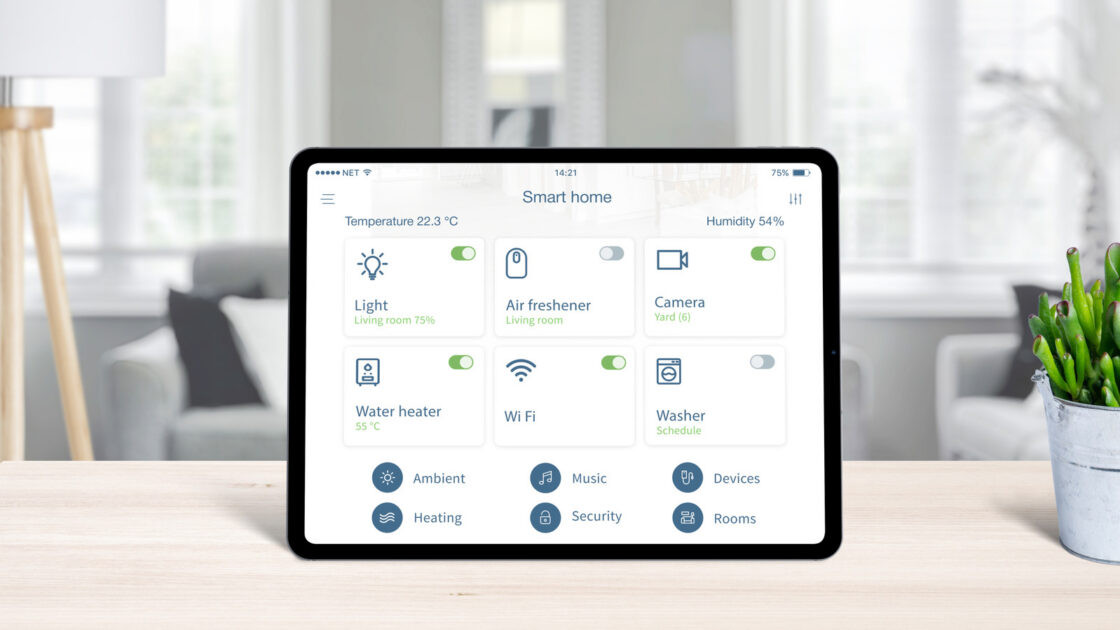
A smart home setup can easily fail if the central hub is placed in the wrong location, as signal blockages and interference disrupt communication between devices. While many users prefer to hide their hubs out of sight, proper placement is critical for maintaining a robust household network.
How to place your smart home hub to avoid interference
Users should treat a smart home hub similarly to a Wi-Fi router by ensuring physical obstructions like walls, furniture, and doors do not block wireless signals. Placing the hub in a central location helps minimize connection problems for devices distributed throughout the house, and users with visible antennas should point them toward their connected gadgets.
Hubs can also suffer interference from other communication devices, meaning they should be kept close to a Wi-Fi router for a strong signal but never placed directly next to it. Modern routers feature settings to switch to less crowded frequencies, and configuring the router and hub to different bands reduces congestion. Additionally, electronics such as phones and microwaves can cause interference and should be kept away from the hub.
Build a network of branching devices
When placement options are limited, users can utilize a linked network for short-range Zigbee or ZWave connections. Because these devices create a mesh network where each gadget repeats the incoming signal, a chain can be formed through the home so the hub only needs to reach one nearby device to remain effective.
Signals still weaken across multiple connected devices in a chain. Therefore, even when relying on a branching network throughout the house, keeping devices closer to the hub yields the best performance.