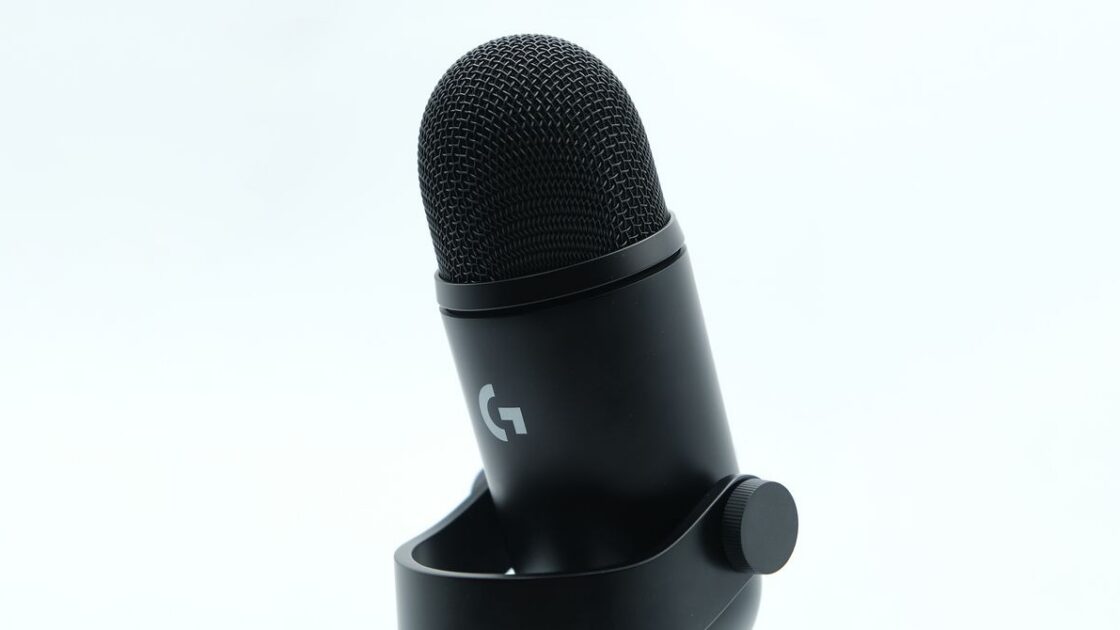
The original Blue Yeti microphone debuted in 2009 and continues to be the most common microphone for home recording 17 years later. Following the acquisition of Blue and the phase-out of the brand name, Logitech has launched its successor, the Yeti 2.
Design and New Functionality
The Yeti 2 preserves the familiar shape and appearance of its predecessor while introducing major changes to its functionality. Beyond recording audio, the device includes features to monitor and manipulate sound in real time, delivering production-quality audio without delay. Although certain design elements feel slightly underdeveloped, the Yeti 2 serves as a worthy successor to the original model and stands out as a top USB microphone choice.
Intuitive Interfaces
The primary upgrade on the Yeti 2 is its built-in screen and dial, which permit immediate adjustments directly on the hardware without needing software. The screen displays a graph of the gain-adjusted input volume sent to the computer, a volume histogram over time, a directional input pattern, or a pixel-art Yeti animation. This animated character reacts to sound levels by looking confused during silence, happy during normal speech, and alarmed when audio is too loud.
Through the G Hub software application, users can replace the default avatar with other premade options like a dragon, flower, frog, or jellyfish, or upload custom images via a drag-and-drop menu. The interface also provides menus for a four-level de-noise function, five equalizer presets, eight default pattern customizer options, and various toggles to refine recording quality. While these settings require the G Hub application for deeper intensity adjustments, the app also supplies detailed explanations of how each function operates and when to apply them.