

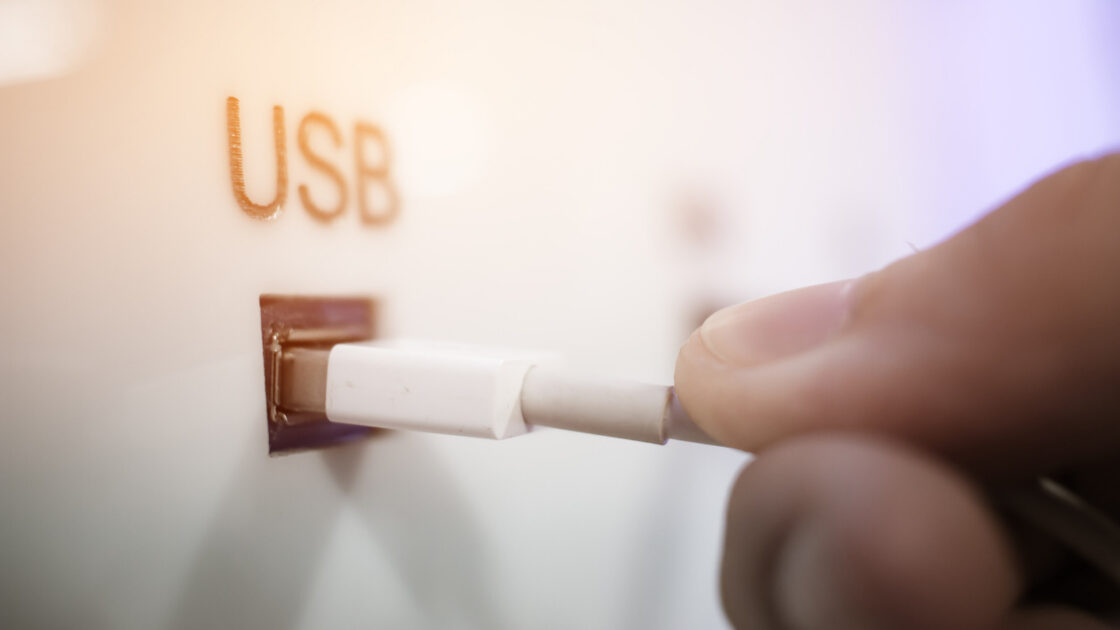
Using public USB charging stations at airports and other public locations is reasonably safe, according to security professionals. While government agencies have previously warned against the practice, cybersecurity experts point out that the actual threat is significantly exaggerated.
Understanding the Threat of Juice-Jacking
The concept of juice-jacking arises from the design of the USB standard, which transmits both electrical power and data through a single cable via separate internal pins. Security demonstrations have shown that malicious actors could potentially tamper with public charging stations to interface with a device’s data pins, enabling data theft or malware installation.
A notable proof-of-concept took place at the 2013 Black Hat USA conference, where researchers from Georgia Tech demonstrated a prototype charger called Mactans. The experiment showed that the malicious device could deploy malware onto an iPhone running iOS 6.
Operating system developers actively respond to these vulnerabilities. Following the Mactans discovery, Apple updated iOS to include the “Trust This Computer?” prompt, which appears whenever a connected device attempts to establish a data connection. Users are advised to always tap “Don’t Trust” unless data sharing is explicitly intended.
How to Protect Your Device While Traveling
Government agencies continue to exercise caution. In a March 2025 social media post, the Transportation Security Administration advised travelers to avoid plugging phones directly into public USB ports, recommending instead the use of a TSA-compliant power brick or external battery pack. Similarly, the Federal Communications Commission previously issued warnings about juice-jacking before retracting them after technology experts questioned the frequency of the threat. The Los Angeles County district attorney also issued a warning in 2019 but confirmed the absence of actual cases on record.
Travelers seeking absolute safety can follow the TSA recommendation to rely entirely on portable battery packs or standard wall outlets with personal charging bricks and cables. Secure charging stations that completely block data transfer functions also provide a safe alternative where accessible.
For situations requiring the use of public USB ports, inexpensive accessories known as USB data blockers offer an effective safeguard. These small adapters permit electrical current to pass through while blocking data pins entirely. However, USB-A data blockers prevent fast charging because modern chargers utilize data connections to regulate high-voltage electrical flow, resulting in slower charging times. This limitation does not affect newer USB-C data blockers.
Travelers should maintain general security precautions, including avoiding public Wi-Fi networks for sensitive transactions, keeping software updated to the latest versions, and activating multi-factor authentication for vital accounts. Declining any unexpected trust prompts and utilizing data blockers provide additional layers of defense when public charging is unavoidable.