Table of Contents
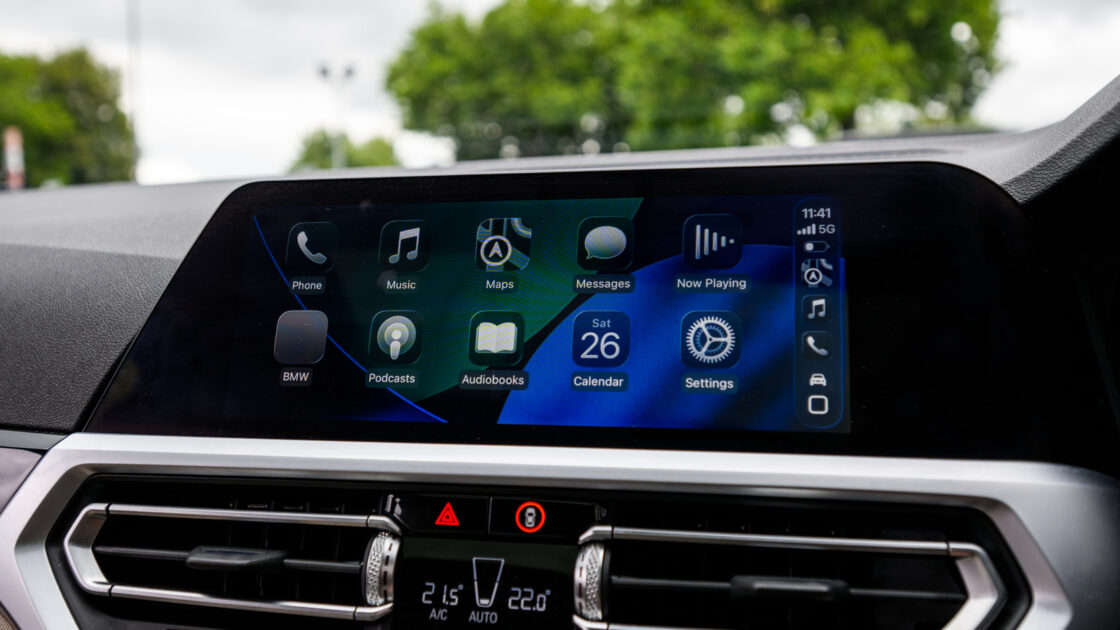
Apple CarPlay has become a vital tool for iPhone users, allowing them to integrate their favorite applications directly onto their vehicle’s dashboard. While navigation tools are common, CarPlay also supports a variety of music and podcast platforms that can be managed through the interface, which now features a persistent mini-player for easier playback control.
Spotify
As a primary competitor to Apple Music, Spotify remains a leading streaming platform. It offers a free, ad-supported tier, as well as a Premium subscription for $12.99 per month that provides ad-free listening, lossless audio, and offline playback. A key feature of Spotify is its integration of music, podcasts, and audiobooks within a single app, which some users may prefer over Apple’s approach of splitting these services into separate applications.
SongCapsule
SongCapsule is an iOS-exclusive app designed to help Apple Music subscribers rediscover their existing libraries. It functions as a personal DJ, generating playlists based on specific genres, artists, or user-defined criteria. The app is available for a one-time purchase of $5 with no recurring subscription fees. It is also compatible with local music libraries for those who do not subscribe to Apple Music.
VLC
For users who prefer offline playback, VLC is a free, open-source option that supports a wide range of file formats and codecs, including FLAC and AC3. While it lacks curated playlists, it allows users to organize their local files by artist or playlist. Files can be easily transferred to the app via the iOS Files app or a computer, making it a straightforward choice for managing downloaded music.
Pocket Casts
Pocket Casts serves as an alternative to the built-in Apple Podcasts app, offering advanced features such as silence trimming, playback speed adjustment, and custom filters. The CarPlay interface mirrors the user’s iPhone settings, ensuring that queues and filters remain consistent. The app also displays episode-specific cover art, which is particularly helpful for shows that segment their content. While free to download, a paid subscription is available that includes cloud storage for personal audio files.
TuneIn
TuneIn provides access to over 100,000 live radio stations from around the globe. Users can bookmark stations on their iPhone, which then appear in the CarPlay interface for easy access while driving. The app allows for organization by categories like news and sports and supports hands-free control via Siri. While the service is free with ads, a $9.99 monthly subscription is available to remove most advertisements and unlock access to live sports and audiobooks.
To add these apps to your CarPlay dashboard, navigate to the Settings menu on your iPhone, select General, and tap CarPlay. Choose your vehicle from the list and select Customize; from there, you can add any compatible apps from the bottom list by tapping the green plus button.