
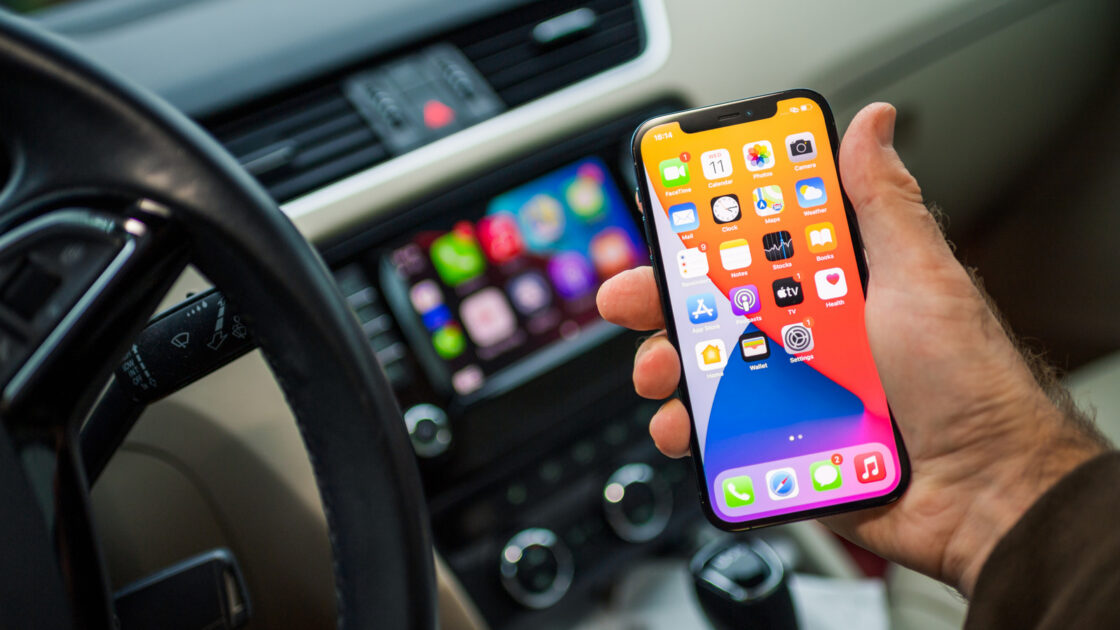
CarPlay is a popular way to integrate music, contacts, and navigation into your vehicle’s infotainment system. Because the software runs directly from your smartphone rather than an internal car application, updating the system requires downloading the latest software on your device.
CarPlay Updates Come Through Your iPhone
Users can check their software version by opening the settings menu, navigating to general, and selecting software update. The most recent version available at the time of writing is iOS 27.2.1, which was released on November 9. Devices still operating on older software versions will see both a smaller patch and a larger upgrade available as separate choices.
The rollout of iOS 27 on September 14 introduced multiple additions to the in-car platform, such as an audio mini-player, a progress bar within the Now Playing interface, route sharing capabilities, and applications for video streaming while parked. Certain functions, including video apps and route sharing, require specific manufacturer support. Apple reported that this software version also enhances wireless connection reliability alongside navigation heading and GPS precision.
Subsequent releases brought further enhancements, such as iOS 27.2 on October 26 introducing a revised Podcasts Home tab featuring new episodes and a continue playing option. Voice assistant capabilities also expanded to recall past interactions, though this particular function requires an iPhone 15 Pro or newer model.
What Happens If You Skip Updates
Ignoring available software updates means CarPlay will continue operating with its current feature set without interruption. While iOS 27 requires an iPhone 11 or second-generation iPhone SE or newer, the platform remains compatible with older hardware that will miss out on recent software additions.
Users experiencing technical difficulties are advised to check for software updates as a primary troubleshooting step. Additional troubleshooting methods include restarting both the phone and the vehicle, removing the vehicle connection via the settings menu, and establishing the pairing process again. If problems persist, checking for stereo firmware updates through the vehicle manufacturer’s manual serves as a final step.