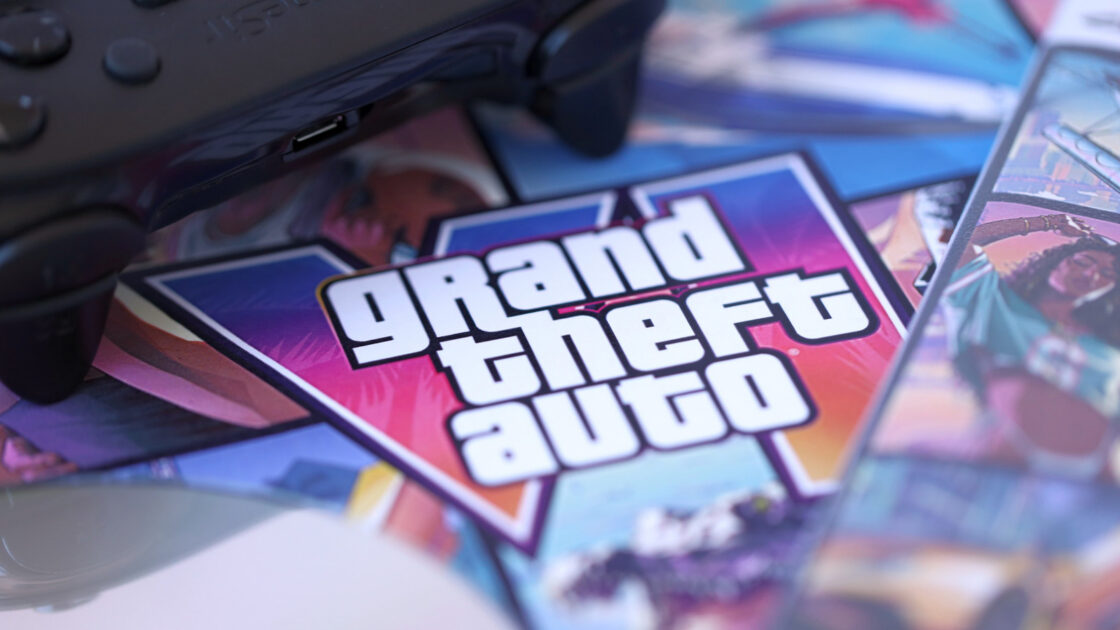
Grand Theft Auto VI is scheduled for release on November 19 for the PlayStation 5 and Xbox Series X/S. With the Xbox store page displaying the “Optimized for Xbox Series X|S” badge, adjusting specific console settings and managing storage will help players achieve the best possible gameplay experience.
Check TV and Display Options
Players should navigate to Settings, General, TV and Display Options, and 4K TV Details to verify that green checkmarks appear on the screen. Microsoft explains that these checkmarks confirm whether the TV and HDMI port support the console’s advanced capabilities, which require an HDMI 2.1 connection. Because certain televisions feature HDMI 2.1 support on only specific ports, users must ensure the Xbox uses the optimal port.
Inside the Video Modes menu, users need to enable “Allow variable refresh rate” and “Allow auto low latency mode.” Variable refresh rate (VRR) synchronizes the television’s refresh rate with the frame output of the Xbox to eliminate screen tearing and stuttering. Meanwhile, auto low latency mode (ALLM) switches the television to game mode automatically, minimizing post-processing and reducing input lag.
Configure HDR and Dolby Vision
Within the Video Modes menu, users must ensure “Allow HDR10” is enabled and run the Calibrate HDR for Games tool. This utility tailors HDR settings to a specific screen, ensuring that bright and dark scenes maintain proper detail.
The Xbox Series X and S both support Dolby Vision for gaming, which functions best alongside VRR and ALLM on compatible televisions. GTA VI will feature calibrated Dolby support at launch, joining over a hundred existing titles optimized for Dolby Vision HDR and Dolby Atmos. Players can verify Dolby support through their television’s audio and display settings.
Manage Storage Space
Because titles optimized for the Series X and S require the internal SSD or an official storage expansion card, external USB drives cannot run the game directly, though they can store backup files. With reports indicating that GTA 6 requires a 212GB download, and the Xbox Series S offering an internal SSD as small as 512GB, clearing space is crucial. Users can access Settings and Storage to delete unneeded files or transfer them to external USB storage.
Preloading for the game commenced on November 10, allowing players who pre-ordered the title to download the massive file ahead of launch day. Configuring these display and storage settings prepares the console for the arrival of Grand Theft Auto VI.