

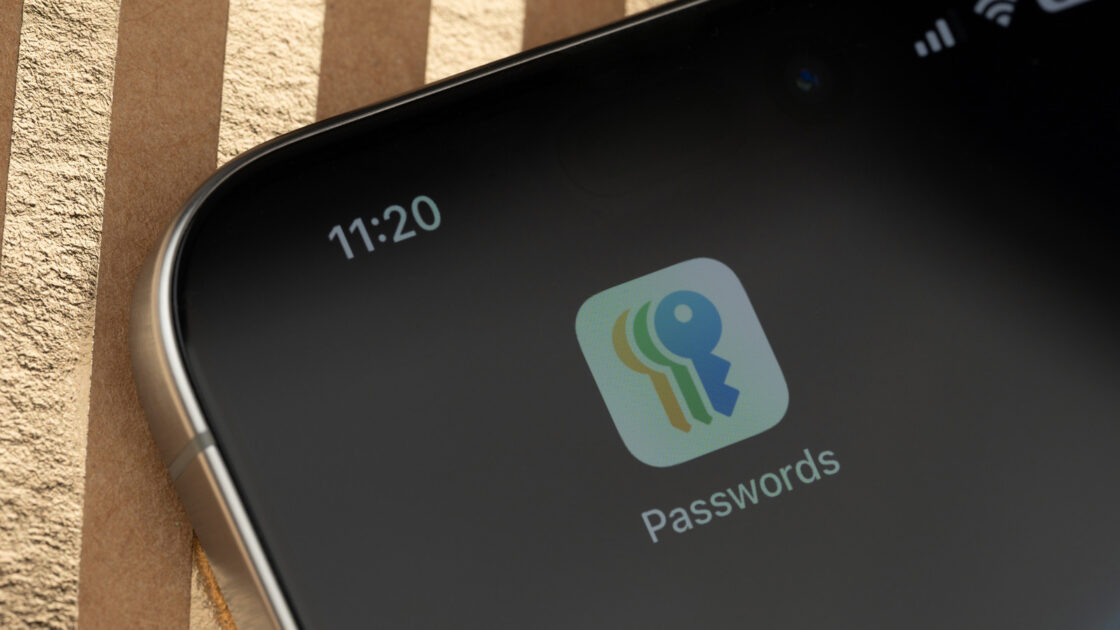
Receiving a notification that a saved password appeared in a data leak can be alarming, but it does not necessarily mean your account was compromised. Apple’s built-in tool flags vulnerable credentials so you can address them before any misuse occurs.
How iOS detects compromised passwords
The free Passwords app offers a secure storage space for logins and passkeys, syncing data through iCloud Keychain with end-to-end encryption. While Apple does not offer a native iCloud Passwords app for Android, Windows users can access their credentials via web extensions after installing iCloud for Windows.
To detect potential breaches, your iPhone compares saved credentials against a local list of commonly leaked passwords. For credentials not found on that local list, your iPhone utilizes privacy-preserving cryptographic checks with Apple’s servers. This process transmits information derived from the password instead of the actual password, and Apple states it does not retain that data.
Apple’s alerts do not indicate the specific source of a leak, meaning a minor forum breach could threaten sensitive accounts if the same login was reused. Furthermore, the system flags weak or reused passwords even if they are not tied to a known data breach. Google Password Manager and other tools like 1Password provide comparable monitoring features on iOS devices.
How to review and update flagged passwords
Apple centralized password management into a dedicated app in iOS 18, removing the previous requirement to navigate through device settings for security alerts. Users can open the Passwords app, authenticate using Face ID, Touch ID, or a passcode, and proceed with security maintenance.
Tapping the Security section displays all accounts with flagged passwords, showing whether a credential is marked as leaked, reused, or weak. Selecting an impacted account allows users to tap Change Password, which directs them to the external website or app to update the vulnerable login.
Updating a password within Apple’s app does not automatically change the account password on the target service. Users must update the credential on the website first and then save the new version in their password manager. Reused credentials should be changed across all platforms, particularly for financial and email accounts, while adopting passkeys and two-factor authentication provides additional security.
Users who have never encountered these alerts can verify that monitoring is active by navigating to Settings, selecting Apps, choosing Passwords, and checking the Detect Compromised Passwords option. If you receive a text message, email, or browser pop-up claiming your password was leaked, you should ignore the provided links and check the official Passwords app directly to avoid falling for phishing attempts.