Table of Contents
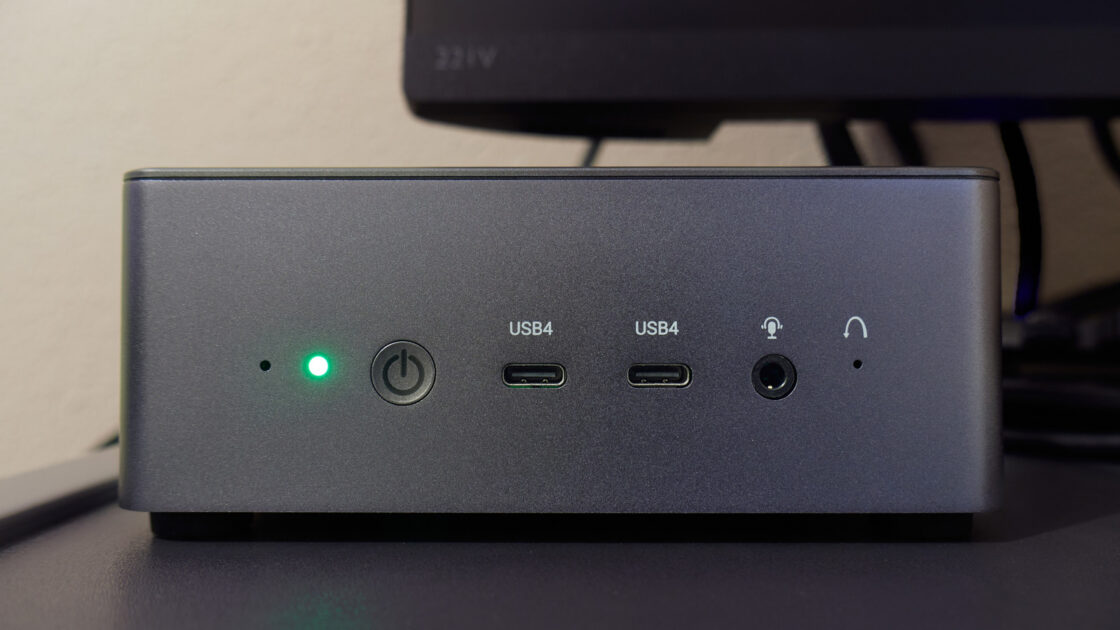
An aging mini PC sitting unused can still serve several practical purposes despite the rising costs of computer upgrades. Engadget outlined six different ways to repurpose these compact machines, ranging from entertainment systems to functional home tools.
Turn it into a retro gaming console
Older mini PCs can easily become dedicated machines for classic video games using Batocera, a free, Linux-based operating system designed for Nintendo, Sega, and PlayStation titles. Users can download the software image, flash it onto a USB stick, and boot the mini PC from it without replacing Windows.
Once connected to a TV via HDMI with a paired controller, Batocera organizes games in a console-style interface. While older 8-bit and 16-bit systems run smoothly, emulation for the PlayStation 2 and GameCube may prove challenging depending on the hardware.
Build a media center and personal file server
Plugging the mini PC into a television and installing Kodi transforms the device into a local media center for movies and music. Software like Plex and Jellyfin can also stream stored media libraries to other devices across a home network.
Users must account for hardware limitations, as transcoding videos for incompatible devices can strain older processors, especially with 4K content. Additionally, attaching an external drive and using software like OpenMediaVault turns the mini PC into a network-attached storage device for backups and family photos.
Make your own touchscreen jukebox
Pairing the machine with a touchscreen and speakers creates a digital jukebox for parties or home bars. Applications like Jukiora provide a touchscreen interface with album art, while TouchGroove allows guests to queue songs using their smartphones via a QR code.
Neither application includes a pre-loaded music collection, meaning users must supply their own tracks. Both programs also require a one-time purchase following a seven-day free trial.
Turn it into a home security recorder
An old mini PC can handle local footage storage when paired with compatible IP cameras and Frigate, an open-source network video recorder. The software helps users avoid manufacturer cloud services by recording locally and utilizing AI to detect objects like people and vehicles.
Hardware requirements remain a limitation, as Frigate demands processors supporting AVX and AVX2 instructions, ruling out many older Celeron, Pentium, and Atom chips. Running the system also requires sufficient storage and familiarity with Docker.
Give it a second career as an AI workstation
Aging hardware can still experiment with artificial intelligence through tools like Ollama, which allows users to download smaller language models and run them directly on the machine. This setup enables local interactions without sending every prompt to the web.
Alternatively, tools like Anthropic’s Claude Code can analyze project files and modify code, utilizing cloud-based models for heavy processing tasks while connecting to locally hosted models via Ollama. Performance will naturally depend on the capabilities of the older processor and limited RAM.