Moving the Now bar back down to the bottom of your lock screen is easy, but it requires a trade-off with your device settings.
Understanding the Now bar in One UI
One UI includes numerous software features that distinguish Samsung devices from competing Android handsets. Users likely recognize the Now bar as the small capsule appearing on the lock screen to display active timers, personal notes, news updates, and media player controls depending on individual app permissions.
Introduced in One UI 7 and subsequently modified through updates, the Now bar sometimes hovers across the middle third of the screen rather than sitting at the bottom edge. This elevated position can obscure other widgets and frustrate users who prefer a lower placement. Fixing this requires sacrificing another lock screen capability.
The conflict between the Now bar and fingerprint reader
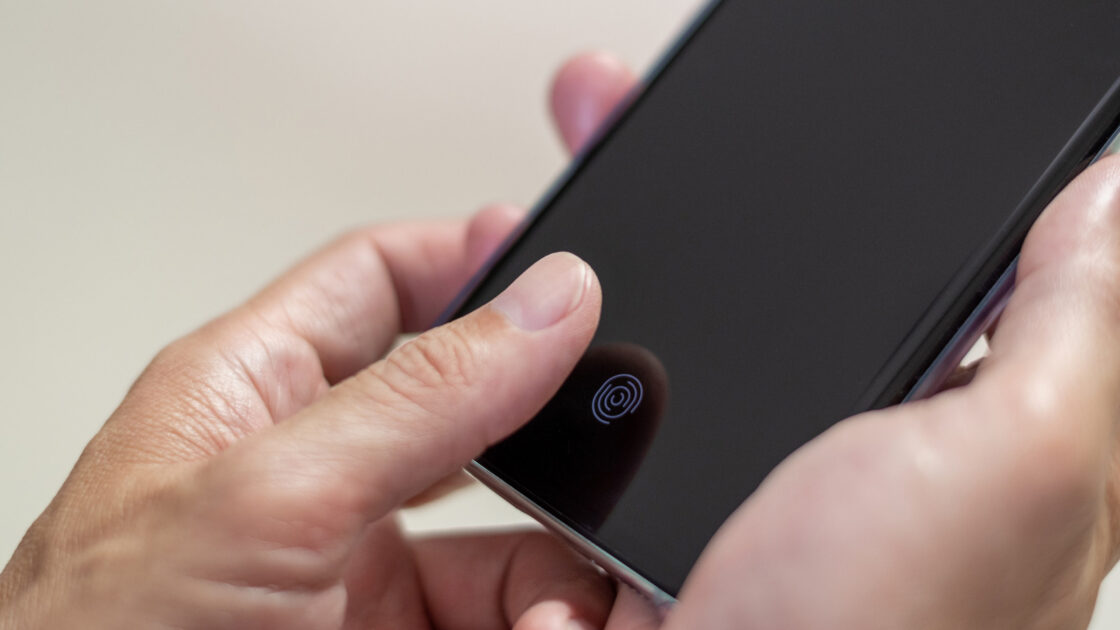
Fingerprint scanner locations vary by device model, but devices featuring in-display fingerprint readers at the bottom of the display create a design conflict. Because the Now bar normally rests along the bottom edge, it directly overlaps with the fingerprint scanner area. As reported by Engadget, the operating system automatically shifts the Now bar upward above the fingerprint reader whenever both features are active, and users cannot manually reposition either element.
Restoring the Now bar to the bottom requires disabling the fingerprint reader entirely. Users can navigate to the Settings app, select Security and privacy, and choose Screen lock and biometrics to delete stored fingerprints and remove the fingerprint unlock option. Alternative security measures such as passwords or facial recognition can secure the device without conflicting with the Now bar.
Users who rely on the fingerprint reader and rarely check lock screen notifications can disable the Now bar instead. By returning to the Settings app, selecting Lock screen, and tapping Now bar, users can toggle individual app permissions or turn off the feature completely. Keeping the media player enabled while disabling other apps ensures media controls remain visible on the lock screen when needed.