
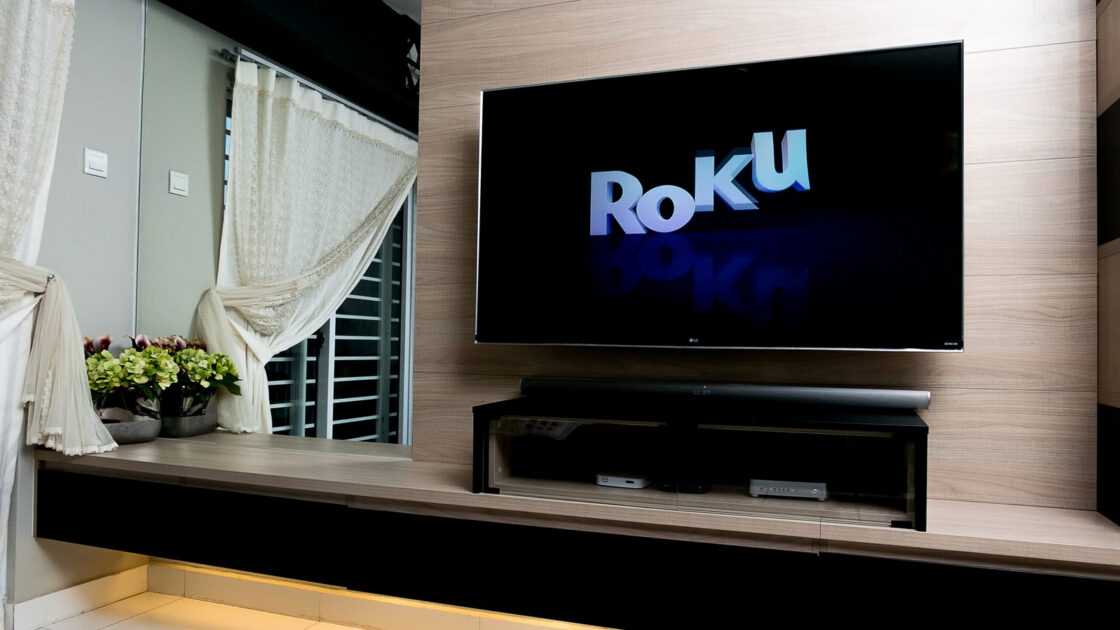
Modern televisions offer countless features and content options, but they also include hidden settings that can significantly improve your viewing experience. By altering a specific display setting on your Roku TV, you can watch films the way they were originally shot and projected.
Adjusting Your Roku TV Refresh Rate for Movies
Most Roku televisions are set to a default refresh rate of 60 frames per second. While this works well for many types of content, it does not provide a true theatrical look. The vast majority of movies are filmed and projected at 24fps, a standard that has defined the visual feel of cinema for generations. When audiences visit a movie theater, they are watching a 24fps output.
Roku provides a way to modify your television’s refresh rate to match that cinematic standard, bringing the viewing experience closer to the original artistic intent of filmmakers. While many TV display discussions focus primarily on color and contrast settings, adjusting the refresh rate is essential for achieving an authentic movie look.
How to Enable Auto-Adjust on Your Roku TV
To access this feature, navigate to the main menu on your Roku TV. Select Settings, choose System, and then proceed to Advanced System Settings. From there, open Advanced Display Settings and turn on the Auto-adjust display refresh rate option.
This setting acts as an automatic solution that adjusts the display to match the native refresh rate of whatever film or television program you are watching. Because movies feature a native 24fps rate, the television will automatically run them accordingly, while television shows can still play at their respective 30 or 60fps rates. This simple adjustment helps create a more authentic viewing experience.