
Table of Contents
A malfunctioning remote can instantly halt your streaming plans, especially when mysterious indicator lights start flashing. Understanding what these signals mean can help you quickly resolve the issue and get back to your favorite shows.
Understanding the Green Light
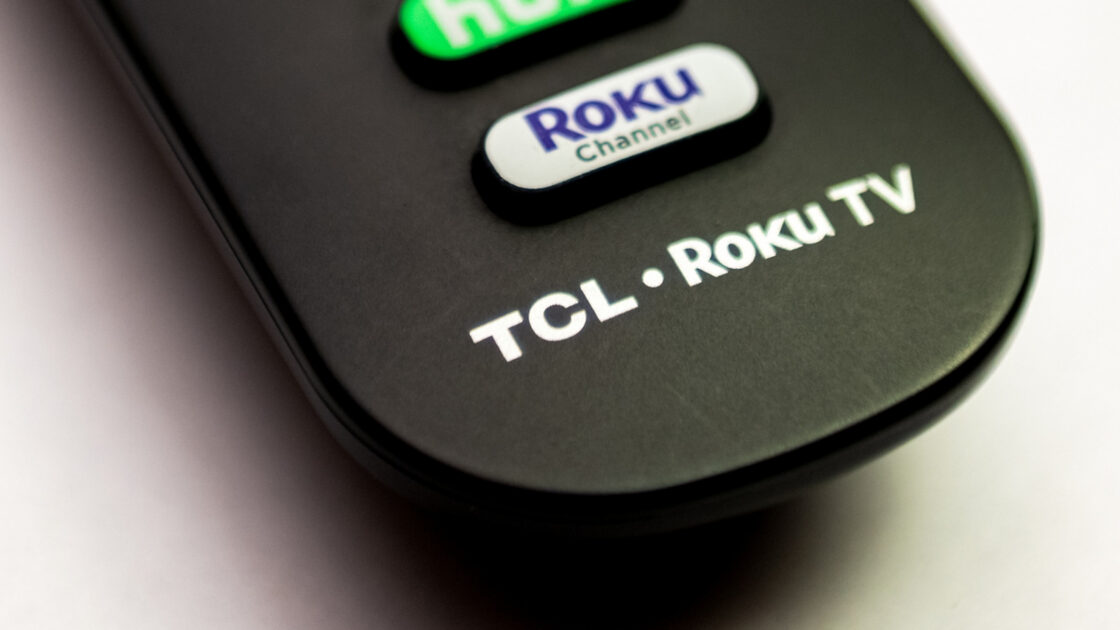
As reported by Engadget, a flashing green LED on a Roku remote typically points to a straightforward fix involving battery power or device pairing. Depending on the specific remote model you own, this behavior might simply indicate that your batteries need to be replaced or recharged.
If your remote uses replaceable batteries, a low charge is often the culprit, and swapping in fresh ones will usually solve the problem. Roku recommends using alkaline batteries rather than rechargeable ones for better performance, even though alkalines may cost more over time. You can check the remaining battery percentage beforehand by going to Settings, selecting Remotes & devices, choosing Remotes, clicking on your specific remote, and selecting About.
Pairing and Setup Issues
The green light will also activate when you are setting up a replacement remote. This process may require using your smartphone’s Roku app or an old remote to navigate to Settings, Remotes & devices, Add devices, Remote, and Continue.
Rapid green flashing will occur if you manually trigger the physical pairing controls on the remote. This is normally accomplished by holding down either a dedicated pairing button or the Back and Home buttons together for five seconds. Users only need to worry if the light continues to flash rapidly after the re-pairing process finishes, as this indicates the hardware is likely broken and must be replaced. Buyers can choose third-party replacements or official Roku accessories, provided they check for compatibility with their specific TV or streaming device.
Troubleshooting and Alternatives
If basic troubleshooting does not work and you are not ready to buy a new remote, you can try restarting the device. For models with replaceable batteries, remove them, press any two buttons, and put them back in with the negative sides first. For remotes with built-in rechargeable batteries, hold the physical pairing buttons down for 20 seconds.
Other measures, such as clearing the Roku cache, updating software, or performing a factory reset, are generally unhelpful for green light issues since the signal relates to power or pairing rather than software bugs. Furthermore, a full factory reset requires reconfiguring the entire system from scratch. When a remote cannot be salvaged, users can rely on the Roku app on their phone as a convenient backup. Alternatively, people can bypass the app entirely by using AirPlay from an Apple device or screen mirroring from an Android phone to stream content directly to the television.